

How I'm Using AI in My Design Work
2 NOV 2026 · BY JONATHAN
I use AI to remove the slow, repetitive parts of design work so I can spend more time on decisions. These are the four places it currently earns its keep for me: Prototyping, research, reusable skills and client outreach.
Where AI fits
When it comes to AI I don't start with a tool. I start with something that is slowing me down, such as a blank page, a research task that eats an afternoon, or explaining the same context for the fifth time, and then asking whether AI can take some of that weight. My day-to-day toolkit is typically Claude, Figma Make and Mobbin, with Claude connecting the pieces.
Prototyping ClimateAssessment in Figma Make
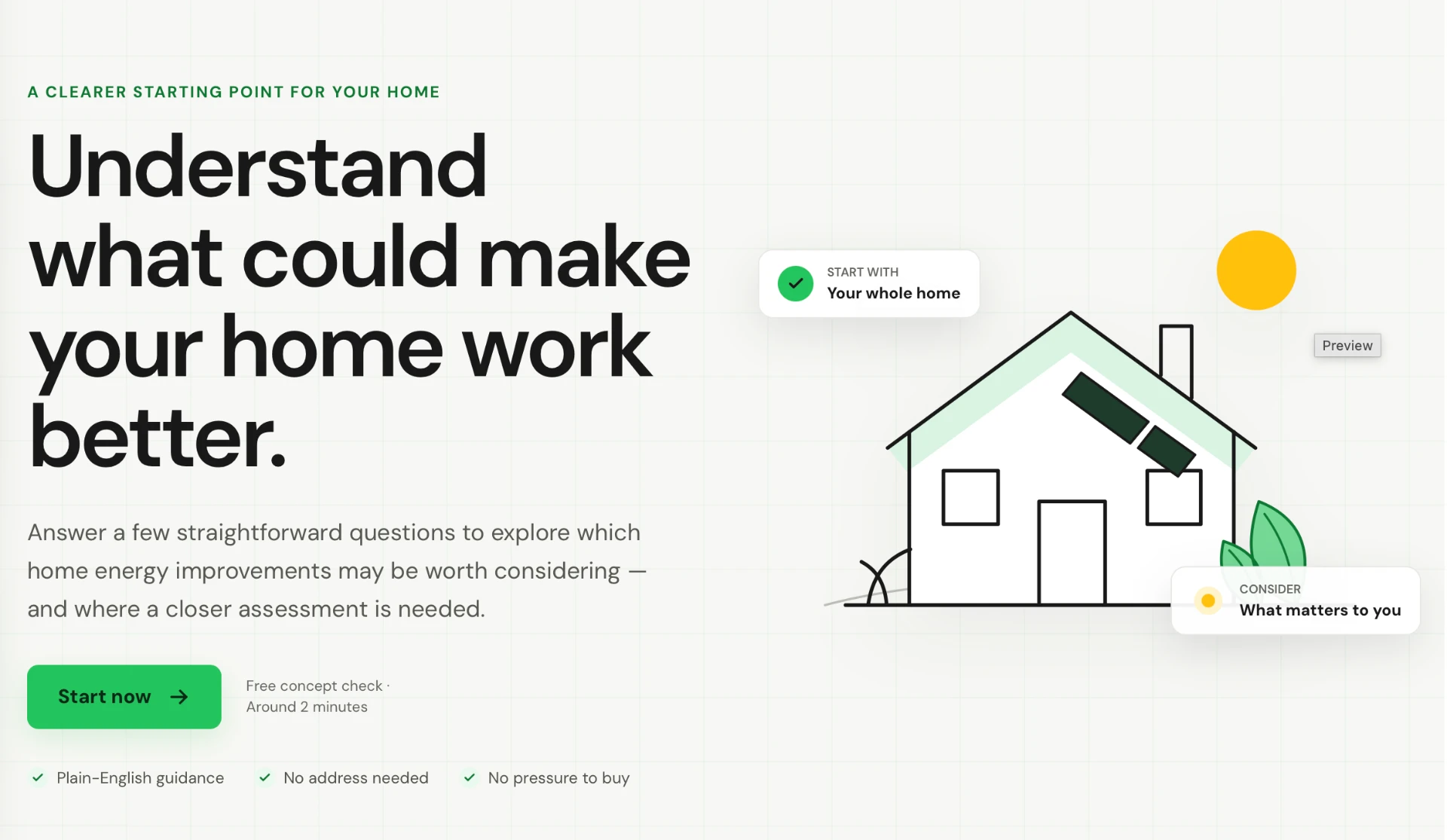
ClimateAssessment is a personal side project which is essentially a short quiz for UK homeowners that gauges how much they could benefit from solar, EV charging and air conditioning. I'm building it in Figma Make as a portfolio piece and as a way to learn what AI-assisted prototyping can really do.
Figma Make lets me go from an idea to something I can click through quickly. I describe the flow and the questions in plain language, look at what comes back, and keep adjusting until it feels right. A responsive prototype is far easier to react to than a description, and it shows me early where a question is confusing or the flow drags.
I never rely on just one tool, though. Before I settle on an approach, I put the same prompt into Claude, Grok, ChatGPT, Codex and Cursor and compare what comes back. That lets me check the design approach against several views and gives me a more balanced picture of which direction, and which tool, suits the job best. I also review token usage along the way, because some tools use far more tokens than others, and that is something to watch out for.
Research with Mobbin and Claude
I've long used Mobbin to see how other products solve the same problem. What changed is that I connected it to Claude. Now I can ask Claude, in a normal prompt, to search Mobbin for the patterns I need, such as onboarding flows, pricing pages or quiz screens.
I also ask it to put together mood boards. Instead of scrolling for an hour and collecting screenshots by hand, I get a first set of references to react to. I still choose what fits and what doesn't, but I'm starting from a pile of relevant examples, not a blank canvas.
Skills: Giving the context once
The habit that has saved me the most time is turning context into a skill. When I start a new concept, I give Claude as much as I can: A clear description of what I'm making, plus attachments such as references, screenshots and notes. Then I ask it to generate a skill from all of it.
The result is a markdown (.md) file that holds the direction. Whenever I work on that concept again, I use the skill and don't have to repeat myself.
This works particularly well when I don't have a design system to lean on which can be common in smaller scale projects. Without one, there is nothing to keep new screens consistent, so the skill acts as a stand-in: It keeps the look, tone and decisions steady from one prompt to the next, and the first draft starts much closer to what I want.
- Start with a real problem
- Give Claude the full context
- Compare options across tools
- Check it against my skill
- I decide what ships
Claude as a sparring partner in my work
Client research and outreach for my freelance work
Finding the right companies to contact used to take most of my outreach time. I now use Claude to research startups and small companies in the niches I care about, check whether they already have an in-house designer (if they do, they usually aren't a fit), and organise what I find into a prospect list.
Claude also helps me draft the first message. I keep it low-pressure: No hard pitch and no request for a call straight away. Instead I offer a short, relevant example of my work and let the conversation start from there. Different channels need different lengths, so a LinkedIn connection note and an email get written differently, and Claude makes it quick to adapt one idea to each.
What I've taken from it so far
- More context in, better results out. The more I give Claude up front (a description, references, attachments), the less I have to correct afterwards.
- Write it down once. A skill turns a good brief into something reusable, so each new piece of work starts further along.
- AI speeds up the groundwork, not the judgement. Whether it's references, prospects or a first prototype, I still decide what's right and what to throw away.
- A prototype beats a description. Seeing something clickable early makes feedback faster and more concrete.
Without a doubt AI is changing how product designers are working, and there is even talk of our roles becoming more that of a 'Designer Engineer'. It's important to stay abreast of what is changing in the industry, and this article will evolve and change every 2-3 months as I discover more that I am learning.